 Alex
A canvas over the files on your Mac. Bring in documents, links and sketches, and ask Claude to build right onto it.
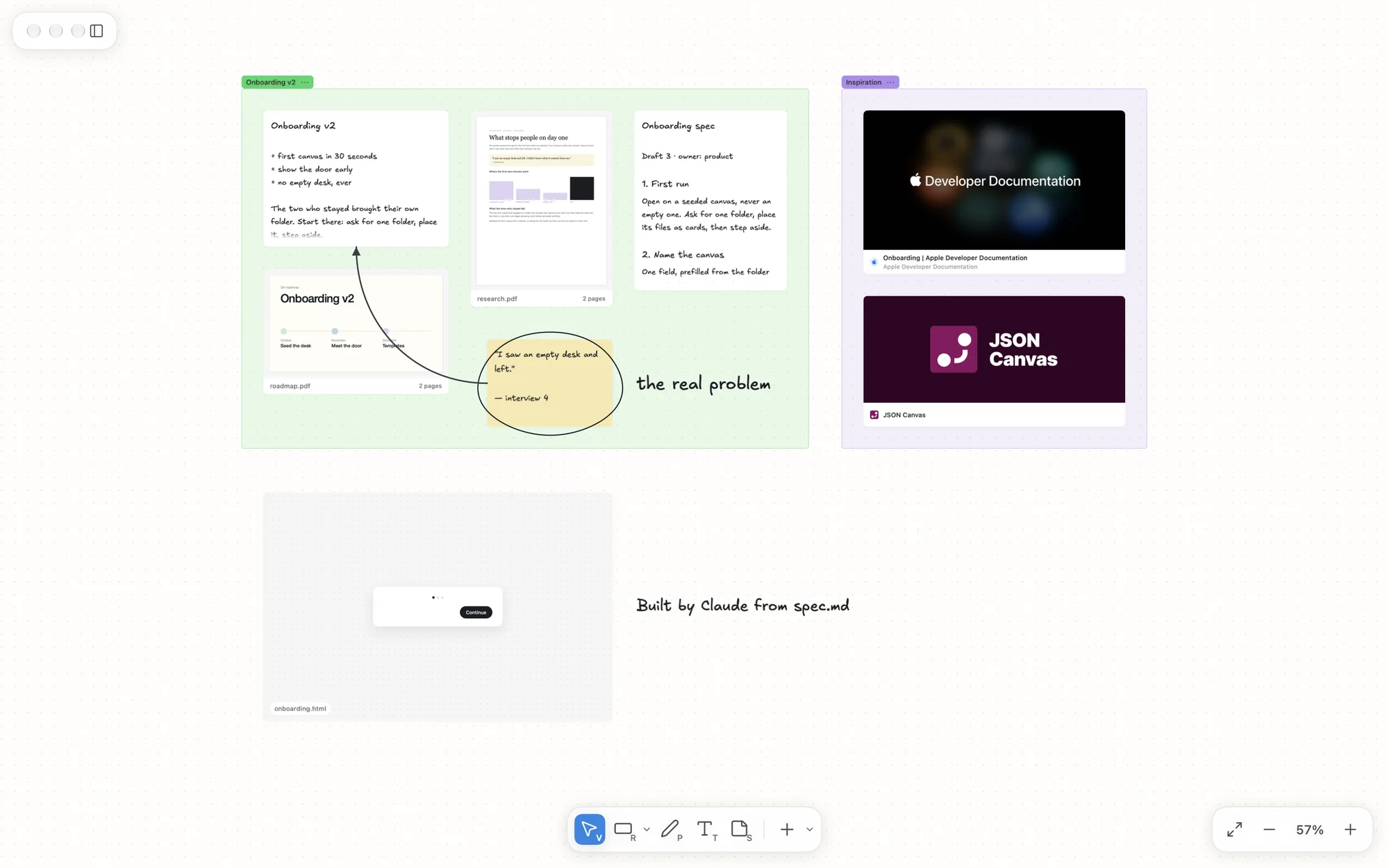
Everything on one desk. Notes, PDFs and links become cards you can move, group, connect and draw around.
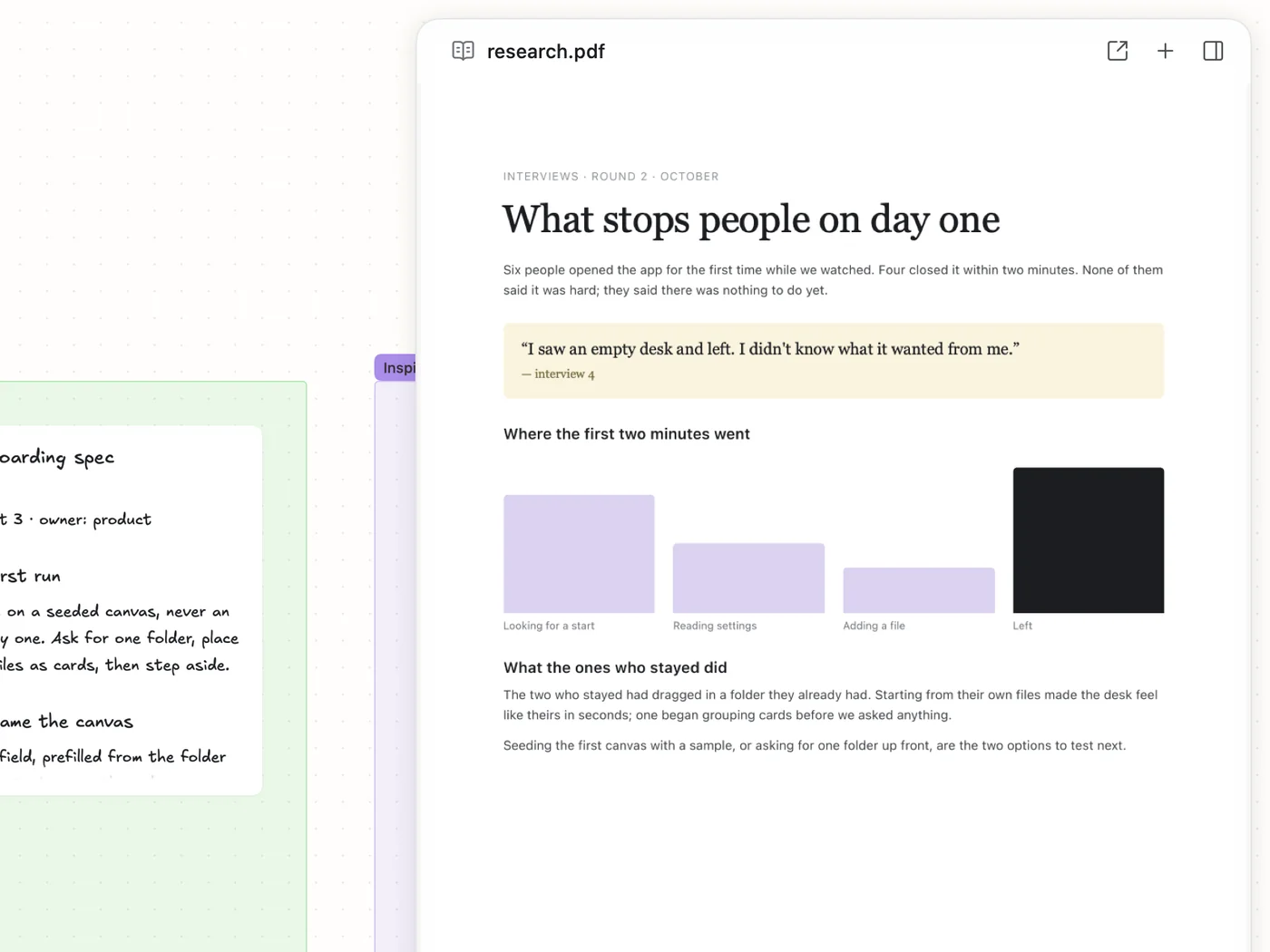
Read it where you think. PDFs open beside the desk, to search, zoom and highlight.
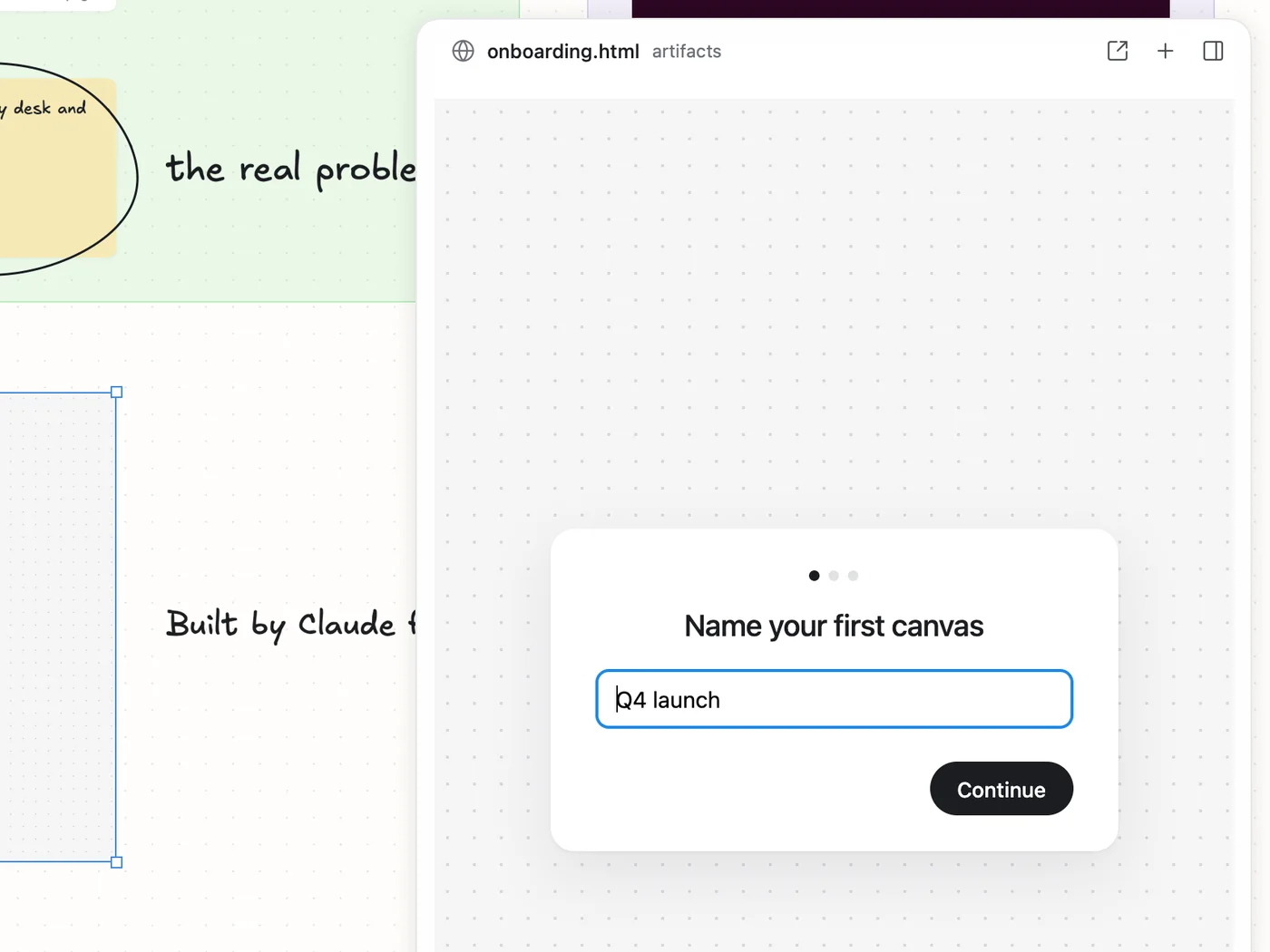
Ask Claude to build it. It lands on your desk, and it runs.
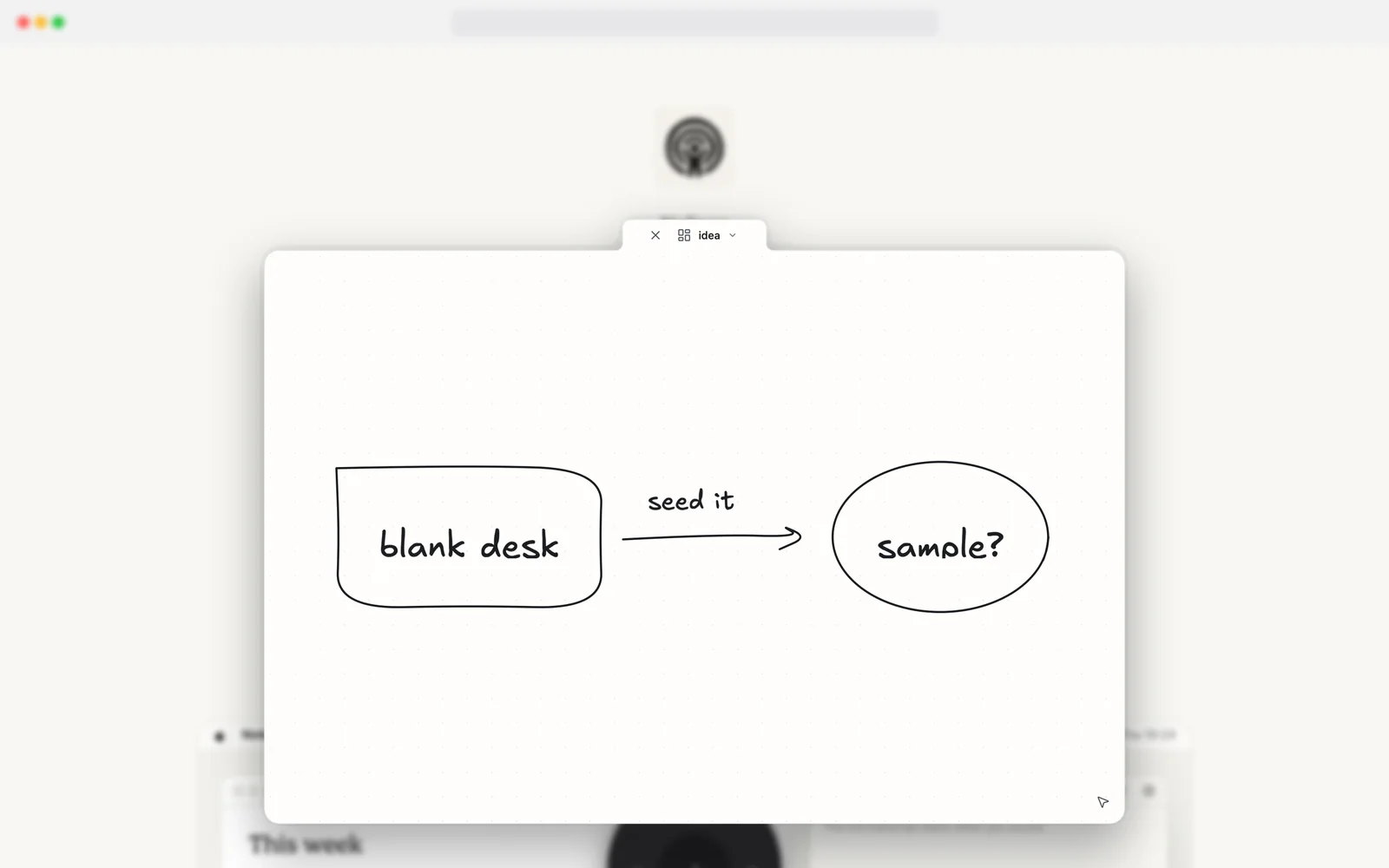
Have a thought? ⌃⇧Space opens a sketch over whatever you are doing.
Plain files, on your Mac. No account, no cloud.
The canvas is a JSON Canvas file next to your notes. Git, Obsidian, a text editor and Claude read and write the same folder, and Alex redraws when they do.
onboarding-v2/
  onboarding-v2.canvas
  notes.md
  research.pdf
  roadmap.pdf
  spec.md
  artifacts/
    onboarding.html
  Sketches/
    idea.canvas